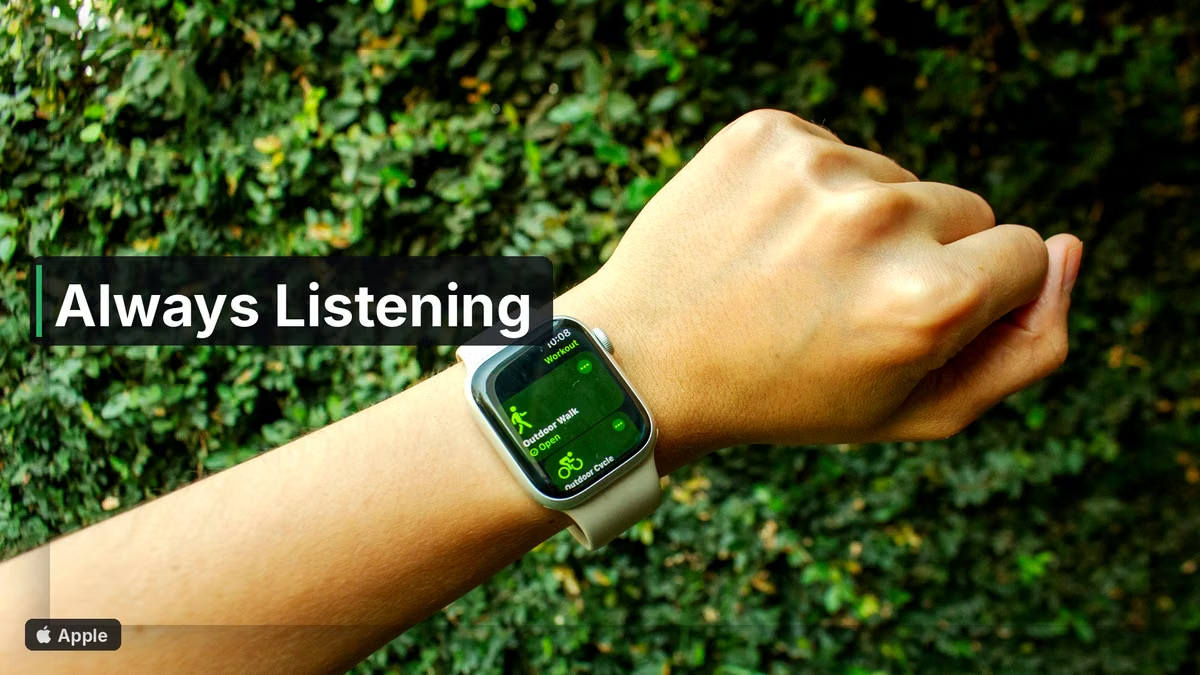
Apple used its Surprise and Shine event to put more AI on your wrist. TechCrunch’s Sarah Perez covers three new Apple Watch features: Audio Intelligence, Live Rewind, and Siri Recap. Together they make always-on listening feel normal in a way older Siri demos never did.

Audio Intelligence runs on the watch itself. It can alert you to sirens, alarms, doorbells, and a baby crying, and it works without an iPhone nearby. That is useful if you are cooking, sleeping with earplugs, or walking without your phone. It is also a clear signal that the watch mic is part of the product story, not a backup for calls.
Live Rewind is the feature that will start arguments at dinner. Double-press the Digital Crown, jump back 15 seconds, and get a transcription. You can save that clip into a new stand-alone Siri app. Apple adds an audible chime and a full-screen mic animation so nearby people get a cue that capture just happened. That design choice matters. Silent recording would feel worse.
Siri Recap goes further into ambient mode. Instead of exact transcripts, it takes high-level notes with a title, a summary, and key points. You can schedule when it is enabled, for example during work hours, and toggle it from Control Center. Apple is pitching this as a meeting and day helper, not a spy toy. Still, TechCrunch rightly compares the vibe to gadgets like the Friend pendant, Amazon Bee, and Plaud.
Apple’s privacy claims are specific. The company says no audio recordings are created or stored, raw audio stays inaccessible even to Apple, there is no speaker identification, and transcripts and recaps use end-to-end encryption. Those promises are the whole product if you live with roommates, kids, or clients who never consented to a watch mic.

I like tools that catch a doorbell I missed or save a sentence I forgot to write down. I also care about consent culture. A chime and a schedule toggle are good defaults. Laws and workplace policies will still need to catch up, because cultural norms change slower than watch software.
Used carefully, these features can help people who struggle to hear alerts, who forget action items, or who want a short recap after a busy afternoon. Start with Audio Intelligence alone if you want the safety upside with less ambient capture. Turn on Live Rewind only when you need it. Keep Siri Recap on a schedule you chose, not all day by accident. Always-listening tech is here. The useful version is the one you can see, hear, and switch off.